
Lovable AI vs Cursor AI: Best Tool for Non-Technical Founders (2026)
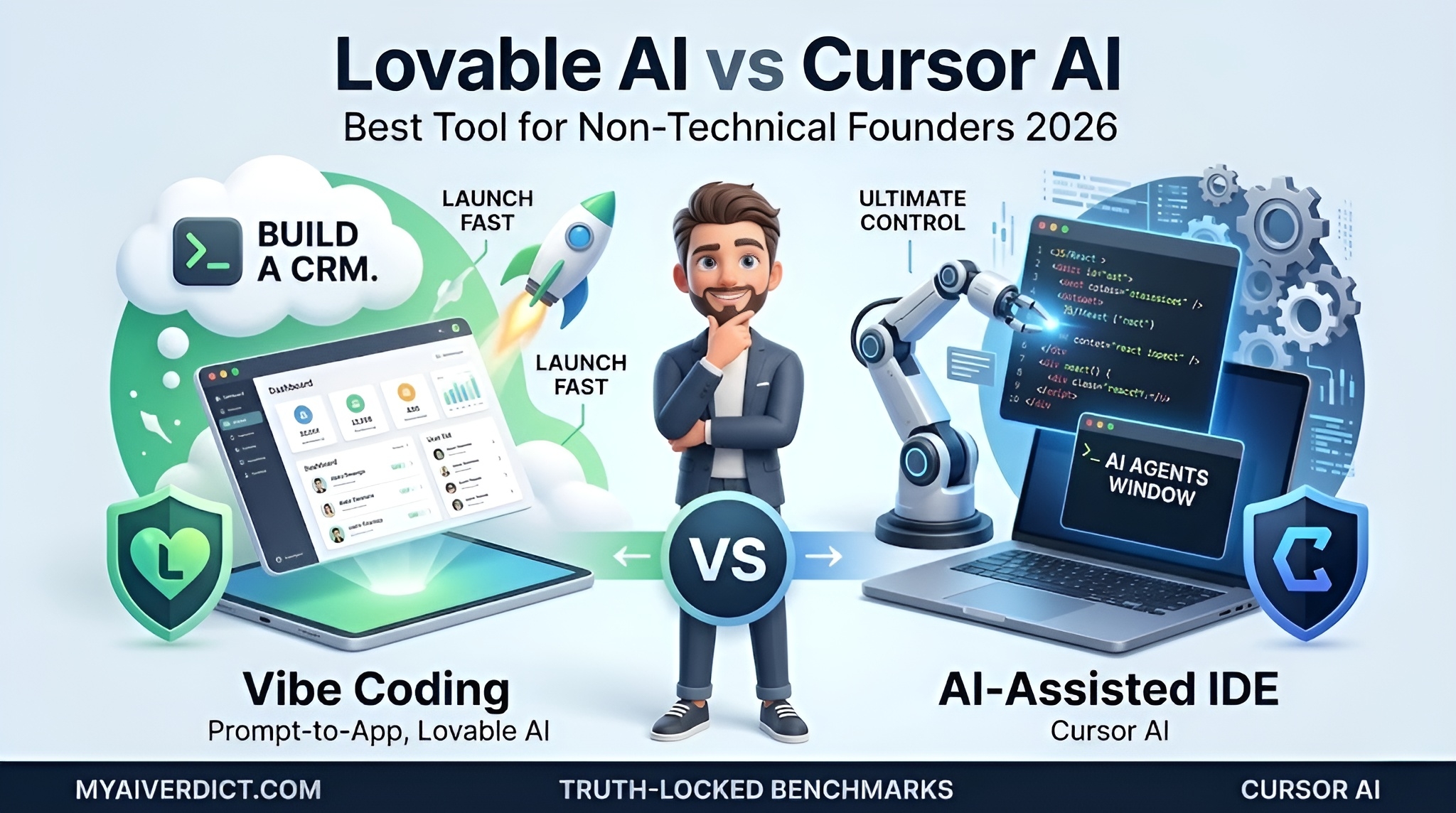
Founder Edition
•
✅ Verified with: Lovable Docs & Cursor 3.1 Changelog
The barrier to entry for building a software startup has officially collapsed in 2026. If you are a founder without a computer science degree looking to build a Minimum Viable Product (MVP), you are likely caught in the ultimate Lovable AI vs Cursor AI debate. You no longer need to pay an agency $50,000 to launch, but choosing the right AI coding agent will dictate whether you launch next week or get stuck in technical debt.
Currently, the two leading architectures in the AI application generation space have taken radically different approaches to solve this problem for non-technical users:
- Cursor AI is the undisputed king of the AI-Assisted IDE. It requires you to know where code lives and how terminals work, but does the heavy lifting of writing the syntax. Their recent 3.1 update blurs the line further with built-in visual Canvases.
- Lovable AI champions the “Vibe Coding” movement. It operates entirely in your browser. You type what you want in plain English, and it generates the UI, connects databases, and handles deployment instantly.
Which platform actually saves you time without corrupting your vision? We ran the 2026 benchmarks specifically tailored for non-technical SMB founders.
1. The Architecture: Prompt-to-App vs AI IDE
When we look at the core workflow in the Lovable AI vs Cursor AI matchup, both tools aim to eliminate coding bottlenecks, but they do so in completely different environments.
✨ Lovable’s Approach: “Prompt-First”
Lovable removes the code editor entirely for most tasks. You converse with a chat interface that acts as your developer. It features native connectors to auto-wire Supabase for your backend database and automatically pushes your generated codebase directly to GitHub.
Pros: Zero terminal setup needed.
Cons: Harder to implement deeply custom logic outside of standard templates.
⌨️ Cursor’s Approach: “The Intelligent IDE”
Cursor is a robust fork of VS Code. The recent Cursor 3.1 update introduced a tiled layout for managing subagents and “Canvases” for interactive file visualization. However, you are still inside an IDE. You must manage your local terminal, install Node.js dependencies, and run your own server.
Pros: Ultimate control over every file and complex API routing.
Cons: Very intimidating UI for users with no foundational programming concepts.
Need a strictly open-source local alternative? Read our Cline Agentic IDE review (DeepSeek R1 setup).
2. Lovable AI vs Cursor AI: Head-to-Head Benchmarks
Startup MVP Test Scenarios
| Test Scenario | Lovable AI | Cursor AI 3.1 |
|---|---|---|
| Test 1: The “Overnight MVP” (Build a CRM dashboard with user auth) |
Winner: 15 Minutes One prompt created the UI, connected Supabase Auth natively, and generated live preview links. Zero terminal commands needed. |
45 Minutes Cursor wrote the code flawlessly, but we had to manually set up Next.js, copy API keys, and resolve a terminal dependency error. |
| Test 2: “Deep Logic Debugging” (Fixing complex external webhook logic) |
Failed (Stuck in Loop) Prompting the visual editor to fix underlying backend webhook logic led to circular errors and it kept overwriting working UI code. |
Winner: Highly Effective By pasting API docs into Cursor’s agent window, the AI successfully isolated the backend files and built the webhooks securely. |
*Disclaimer: Internal hands-on benchmarks executed on an M3 MacBook Pro. “Success” was defined as a deployable UI with working user registration flow.*
🕵️ The Reddit Reality: Token Burnout vs Context Hallucination
Our deep dive into startup developer subreddits reveals distinct scaling challenges for both tools in 2026.
Lovable Users frequently complain about “Token Burnout”. Because Lovable rewrites large chunks of the application visually with every prompt, tweaking a simple button layout can consume your monthly credits rapidly.
Cursor Users often encounter “Context Hallucination”. Once a repository grows without strict structuring, AI agents inside Cursor sometimes forget how files connect, leading to broken routing if you don’t know how to manually debug the codebase.
Security Pro Tip: AI-generated applications from any platform should always be reviewed for security vulnerabilities, especially concerning authentication flows and database row-level security before pushing to production.
3. Code Ownership & GitHub Lock-In
Evaluating long-term technical debt is a vital step before committing to an AI app builder in the Lovable AI vs Cursor AI ecosystem.
- Lovable: They recently made massive improvements by allowing direct GitHub synchronization. While you technically own the code, it is heavily opinionated toward specific frameworks (like Tailwind CSS and React). Real human engineers you hire in the future may find visually-generated code blocks somewhat bloated and might want to refactor them.
- Cursor: You own the technology stack from day one. You decide the architecture, the backend framework, and the hosting provider. When you eventually hire a CTO, they can jump right into your repository without skipping a beat because it is built like traditional, standard software.
If you want to dive deeper into how traditional IDE agents manage massive codebases, read our benchmark on Cursor Subagents vs Windsurf Cascade.
4. Lovable Pricing vs Cursor Pro
Both tools offer exceptional Return on Investment (ROI) compared to hiring an agency, but breaking down the Lovable AI vs Cursor AI billing structures dictates how you should use them:
- Cursor Pricing ($20/mo Flat Rate): Cursor Pro offers highly predictable monthly billing with 500 premium fast requests to frontier models. For founders willing to learn basic IDE navigation, it represents one of the most cost-efficient workflows available. You can manually integrate services like Stripe without extra platform fees.
- Lovable Pricing (Starts at $25/mo): The Lovable Pro tier utilizes a usage-based model, providing 100 monthly credits and 5 daily limits. You are paying for the ultimate convenience of “Vibe Coding”. However, heavy prototyping and endless revisions will consume these credits quickly, potentially requiring you to purchase top-ups or upgrade to a higher business tier.
5. Final Verdict & Recommendations
Wrapping up this Lovable AI vs Cursor AI comparison, both platforms provide incredible value, but they serve completely different stages of founder readiness.
9.2Lovable AI(King of Rapid MVPs)9.6Cursor AI(King of AI IDEs)
🚀 Choose Lovable AI If…
- You have absolutely ZERO coding or terminal experience.
- You need to validate an idea and launch an MVP shell this week.
- You want built-in integrations that auto-configure Supabase databases.
- You prefer talking to a visual chatbot over reading raw code blocks.
⌨️ Choose Cursor AI If…
- You possess foundational web development knowledge (HTML/JS/React).
- You are building a complex application requiring custom API backend integrations.
- You prioritize a predictable, flat-rate $20/mo monthly tooling cost.
- You want total ownership of your system architecture for future scaling.
🤔 Lovable vs Cursor FAQ 2026
❓ In the Lovable AI vs Cursor AI debate, can I build a SaaS without knowing how to code?
❓ Is Cursor AI too difficult for a non-technical founder?
❓ Which platform is cheaper: Lovable AI vs Cursor AI?

About the Author
Wawan Dewanto, S.Pd. (SaaS Systems Engineer)
- Founder & Editor-in-Chief, MyAIVerdict.com
- Spent 40+ hours hands-on testing Prompt-to-App tools vs Traditional AI IDEs.
- Architected the integration of agentic workflows in real-world SMB environments.